اپلیکیشن اندرویدی فلشکارت آموزشی انگلیسی برای برگزاری کارگاههای آموزشی به زبان انگلیسی برای کادر درمان
📚 کتاب آموزشی جامع
📚 اطلاعات کتاب
عنوان کتاب: کتاب انگلیسی برای برگزاری کارگاههای آموزشی به زبان انگلیسی برای کادر درمان
موضوع کلی: آموزش زبانهای خارجی
موضوع میانی: زبان در حوزه پزشکی
📋 سرفصلهای کتاب (100 موضوع)
- 1. Introduction to English for Medical Workshops
- 2. Key Medical Vocabulary: Anatomy and Physiology
- 3. Key Medical Vocabulary: Diseases and Conditions
- 4. Key Medical Vocabulary: Symptoms and Diagnoses
- 5. Key Medical Vocabulary: Treatments and Procedures
- 6. Key Medical Vocabulary: Pharmaceuticals and Drug Administration
- 7. Medical Acronyms and Abbreviations in Context
- 8. Pronunciation Practice for Common Medical Terms
- 9. Building Sentences for Explaining Medical Concepts
- 10. Asking and Answering Clinical Questions
- 11. Describing Medical Equipment and Instruments
- 12. Understanding and Explaining Lab Results
- 13. Communicating Medical Ethics and Professionalism
- 14. Basic Patient Communication Skills (for context)
- 15. Cultural Sensitivity in Medical Communication
- 16. Principles of Adult Learning in Healthcare Education
- 17. Identifying Learning Needs for Medical Workshops
- 18. Defining Clear Learning Objectives for Clinical Topics
- 19. Structuring a Medical Workshop: The Overall Design
- 20. Designing Engaging Activities for Healthcare Professionals
- 21. Developing Case Studies for Interactive Learning
- 22. Creating a Logical Flow for Workshop Content
- 23. Time Management Strategies for Workshop Sessions
- 24. Selecting Appropriate Teaching Methodologies (e.g., simulation, lecture)
- 25. Integrating Evidence-Based Practice into Workshops
- 26. Crafting Compelling Workshop Titles and Descriptions
- 27. Writing Effective Promotional Material (Emails, Brochures)
- 28. Designing Registration Forms and Confirmation Messages
- 29. Setting Expectations: Pre-Workshop Communications
- 30. Preparing and Presenting Pre-Reading Materials
- 31. Language for Pre-Workshop Surveys and Assessments
- 32. Communicating Venue and Logistics Details
- 33. Technical Requirements: A/V Setup and Software Needs
- 34. Developing a Detailed Workshop Agenda
- 35. Responding to Participant Inquiries Before the Event
- 36. Formal and Informal Greetings: Welcoming Participants
- 37. Introducing Yourself and Co-Facilitators Professionally
- 38. Setting the Tone and Atmosphere for Learning
- 39. Effective Icebreakers for Healthcare Groups
- 40. Presenting the Agenda and Objectives Clearly
- 41. Establishing Ground Rules and Expectations Collaboratively
- 42. Engaging the Audience from the Very Beginning
- 43. Techniques for Initial Participant Engagement and Buy-in
- 44. Assessing Prior Knowledge and Experience
- 45. Fostering a Collaborative and Supportive Environment
- 46. Explaining Complex Medical Concepts Simply and Clearly
- 47. Using Analogies and Metaphors in Medical Teaching
- 48. Structuring a Medical Presentation Segment (Introduction, Body, Conclusion)
- 49. Language for Defining and Clarifying Medical Terminology
- 50. Describing Physiological Processes and Mechanisms
- 51. Explaining Disease Pathophysiology and Epidemiology
- 52. Presenting Research Findings and Clinical Evidence
- 53. Discussing Clinical Guidelines and Best Practices
- 54. Detailing Diagnostic Procedures and Interpretations
- 55. Explaining Therapeutic Interventions and Protocols
- 56. Utilizing Visual Aids: Slides, Diagrams, Videos Effectively
- 57. Language for Referencing Sources and Literature
- 58. Smooth Transitions Between Different Medical Topics
- 59. Maintaining Audience Engagement During Lectures
- 60. Storytelling and Clinical Vignettes in Medical Education
- 61. Initiating and Guiding Group Discussions on Clinical Topics
- 62. Formulating Effective Questions for Q&A Sessions
- 63. Managing Q&A: Handling Challenging or Unexpected Questions
- 64. Facilitating Small Group Activities (e.g., case discussions)
- 65. Language for Role-Playing Medical Scenarios and Consultations
- 66. Providing and Receiving Constructive Feedback in Clinical Settings
- 67. Encouraging Participation from All Attendees
- 68. Techniques for Brainstorming Solutions to Clinical Problems
- 69. Debriefing Activities and Consolidating Learning Points
- 70. Synthesizing Group Contributions and Key Takeaways
- 71. Facilitating Peer-to-Peer Learning and Experience Sharing
- 72. Managing Disagreements and Differing Clinical Opinions Respectfully
- 73. Using Polling and Interactive Tools (e.g., Mentimeter, Kahoot)
- 74. Language for Practical Demonstrations of Procedures
- 75. Guiding Hands-On Practice Sessions Safely and Effectively
- 76. Addressing Time Overruns and Staying on Schedule
- 77. Handling Technical Difficulties Gracefully (A/V, Software)
- 78. Dealing with Dominating or Disruptive Participants
- 79. Engaging Quiet or Reserved Attendees Effectively
- 80. Managing Distractions and Interruptions in the Workshop
- 81. Responding to Unexpected Questions or Challenges Professionally
- 82. Addressing Participant Fatigue and Re-energizing the Group
- 83. Troubleshooting Group Dynamics Issues and Conflicts
- 84. Maintaining Professionalism and Authority Under Pressure
- 85. Language for De-escalation and Conflict Resolution
- 86. Summarizing Key Learning Points and Main Takeaways
- 87. Facilitating Action Planning and Goal Setting for Participants
- 88. Administering and Collecting Post-Workshop Evaluations
- 89. Expressing Thanks and Appreciation to Participants and Organizers
- 90. Providing Resources for Further Learning and Professional Development
- 91. Advanced Pronunciation for Highly Specific Medical Terminology
- 92. Mastering Intonation, Stress, and Pacing in Presentations
- 93. Cross-Cultural Communication Nuances in Global Health Workshops
- 94. Adapting Content and Language for Diverse International Audiences
- 95. Working with Interpreters: Best Practices for Medical Presenters
- 96. Simulated Workshop Practice: Opening Segments and Introductions
- 97. Simulated Workshop Practice: Explaining Complex Procedures
- 98. Simulated Workshop Practice: Facilitating Group Discussion and Q&A
- 99. Simulated Workshop Practice: Handling Challenges and Closing
- 100. Developing a Personal Action Plan for Continuous Improvement in Workshop Delivery
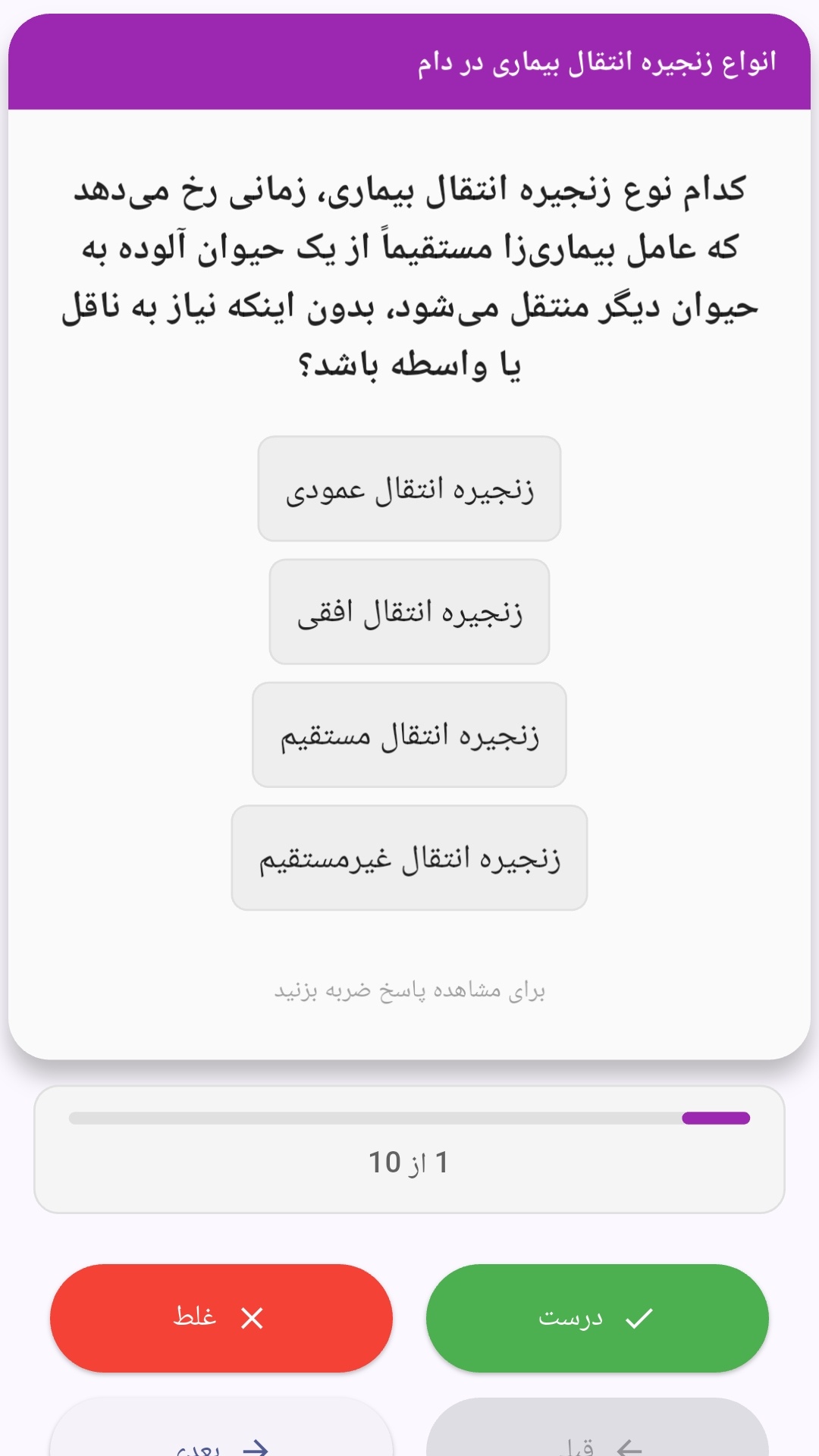
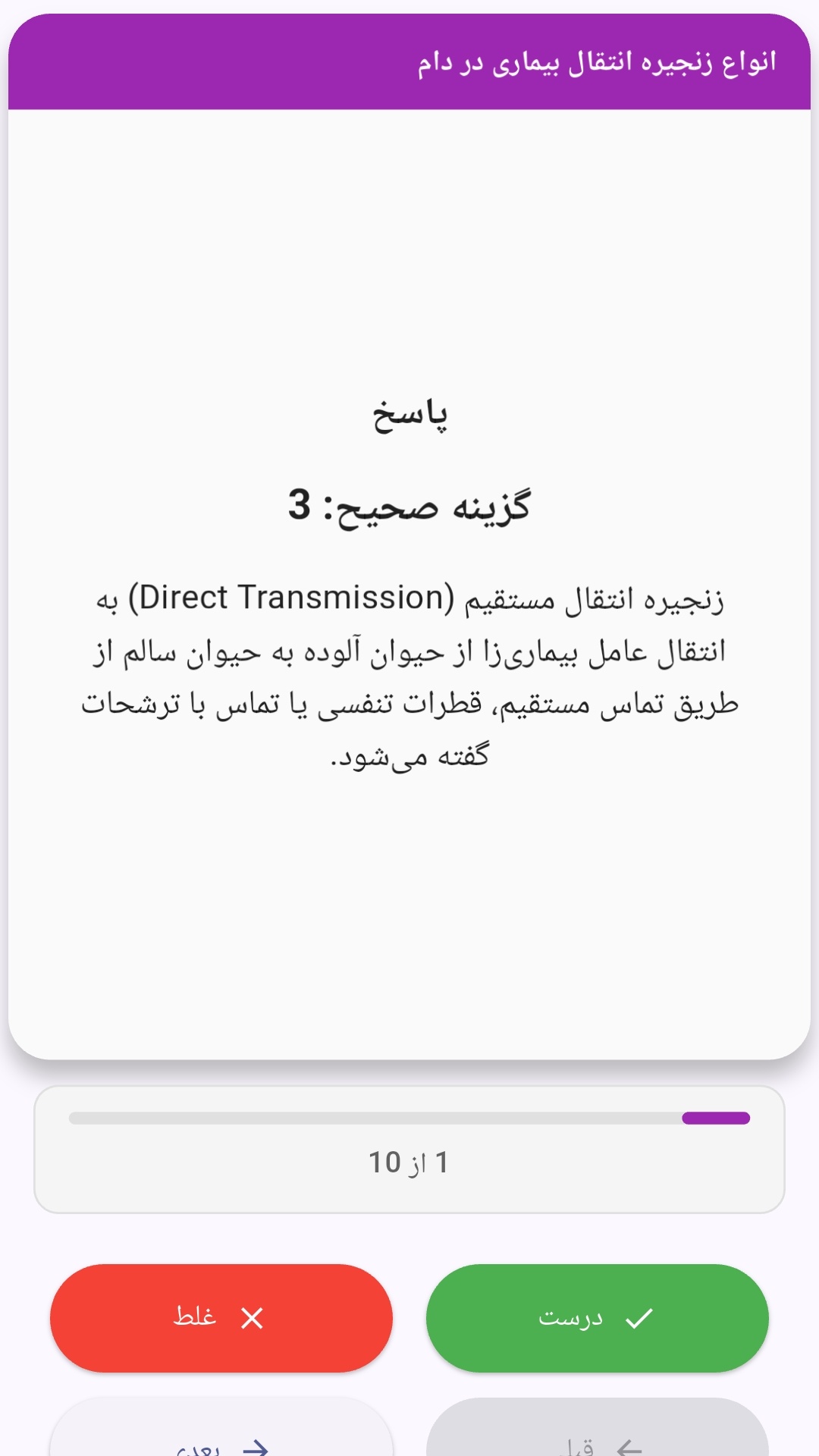
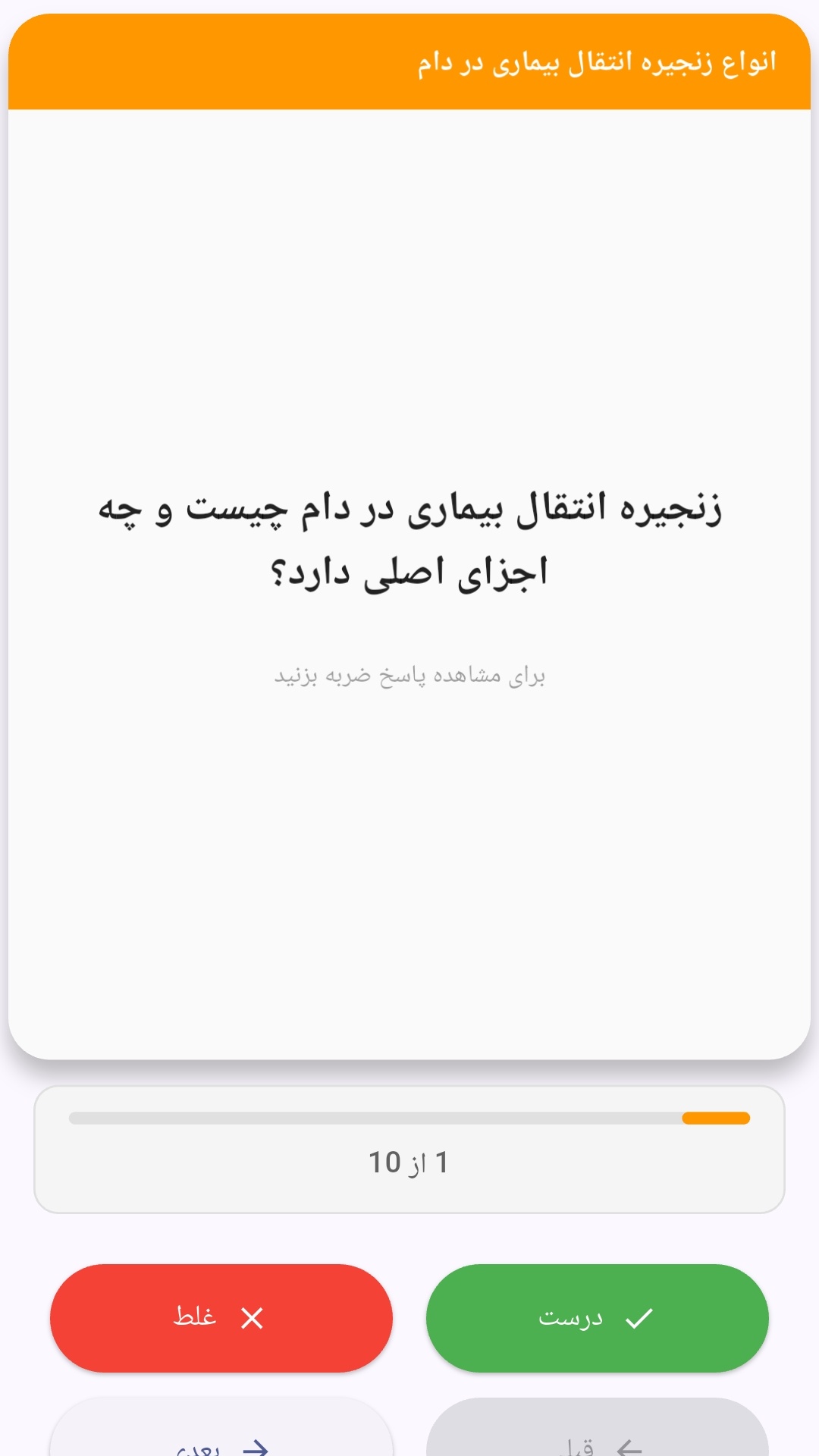
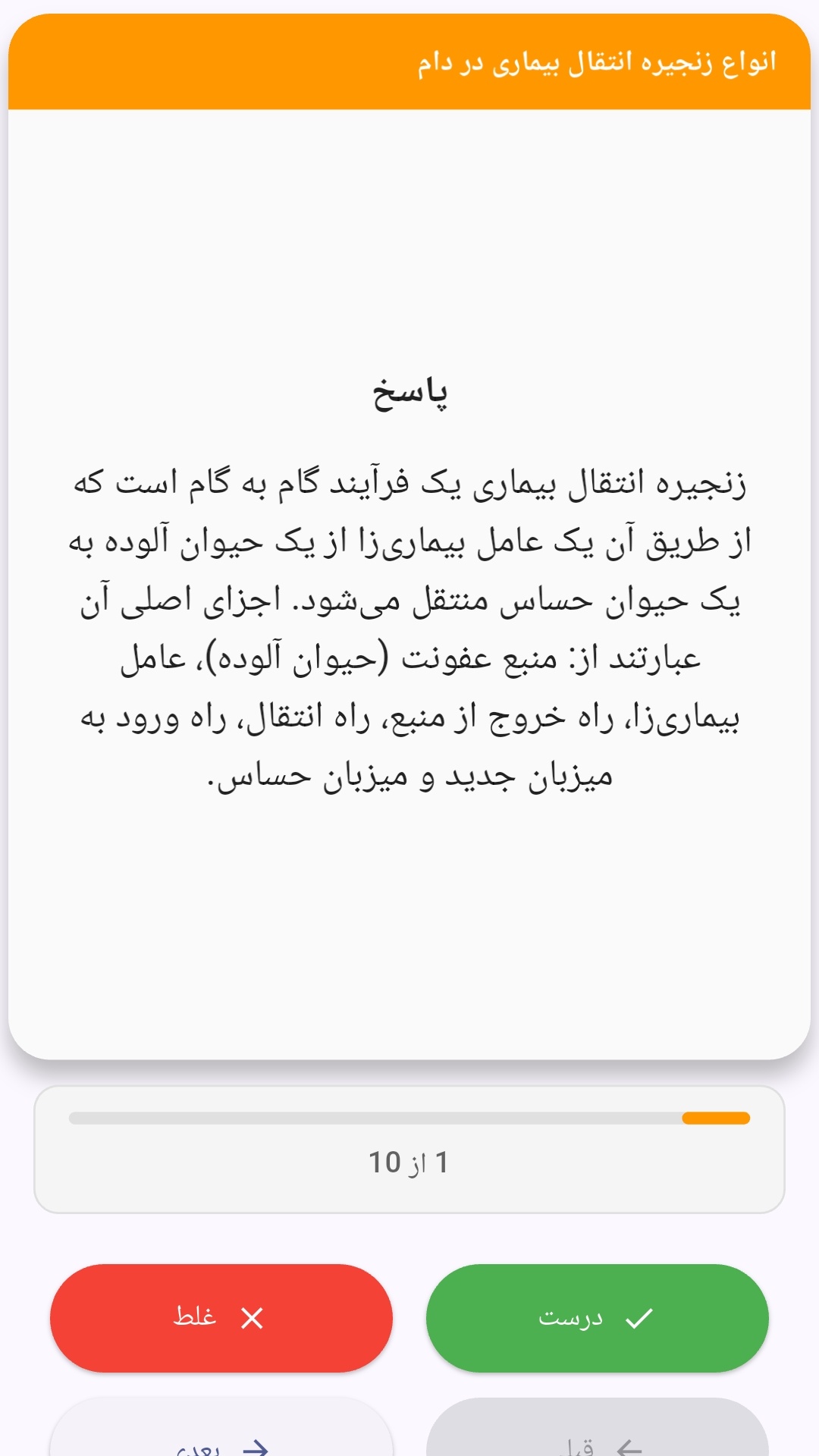
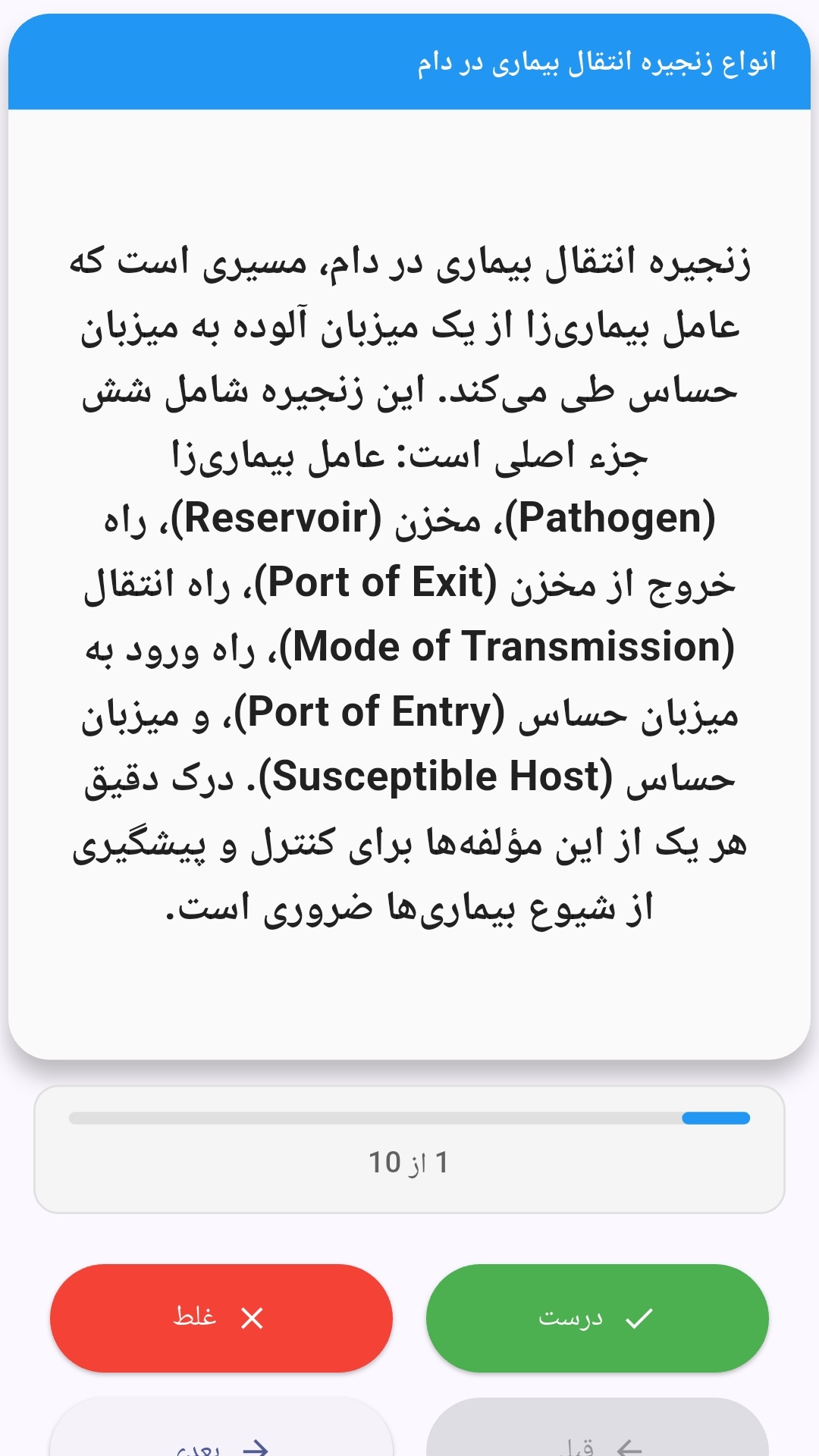
این اپلیکیشن فارسی برای یادگیری و مرور محتوای آموزشی از طریق فلشکارت طراحی شده است. کارتها را یکییکی مرور کنید، پاسخ پرسشها را به یاد بیاورید و نتیجه هر پاسخ را ثبت کنید. محتوای دوره پس از نصب درون برنامه در دسترس است تا برای مطالعه روزمره معمولاً به اتصال مداوم اینترنت نیاز نداشته باشید.
محتوای آموزشی در قالبهای متنوع ارائه میشود تا هم برای یادگیری مفاهیم جدید و هم برای تثبیت آموختهها قابل استفاده باشد.
- رابط کاربری فارسی و راستچین با فونت وزیر.
- تم روشن و تیره مطابق تنظیمات سیستم.
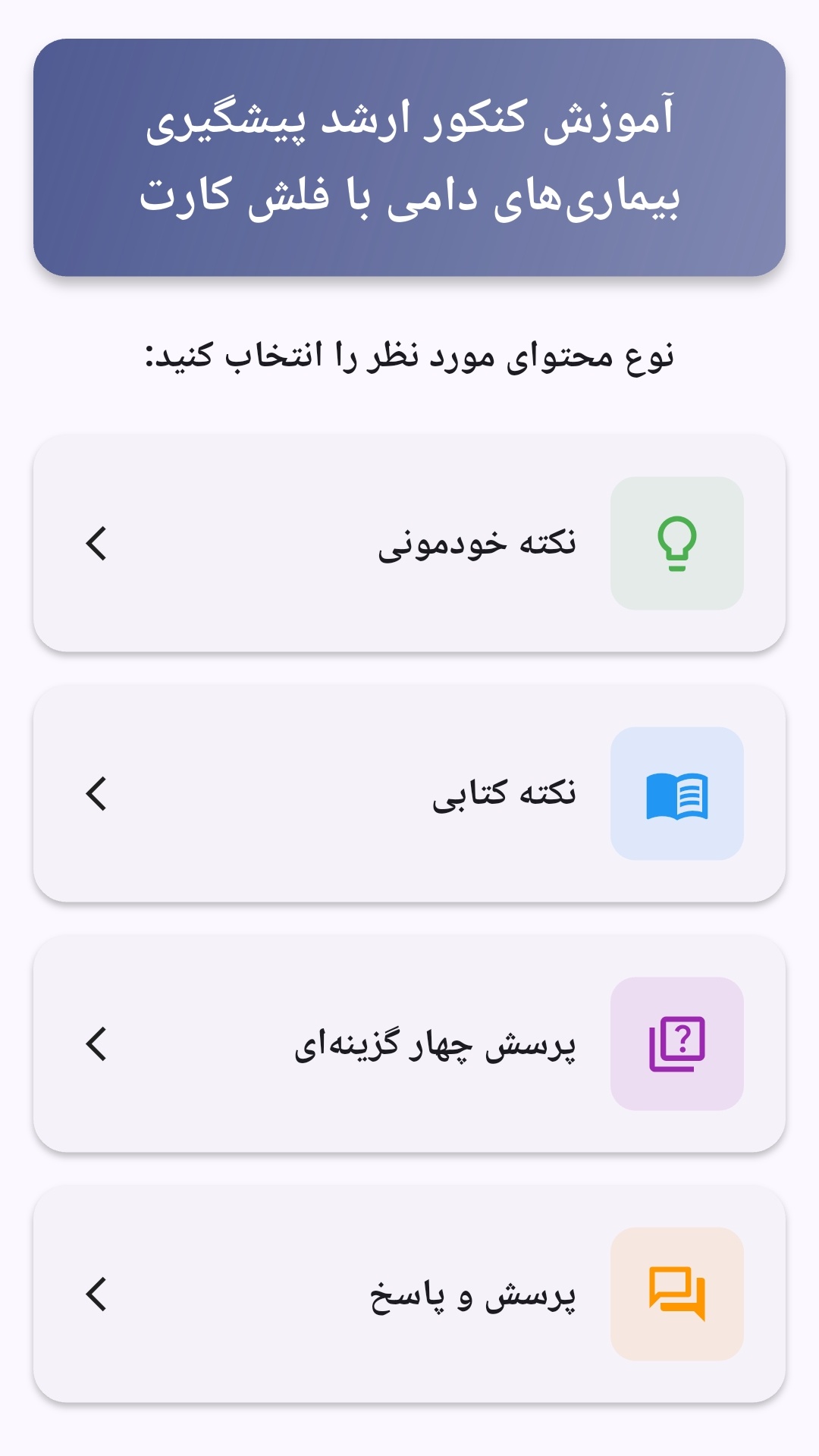
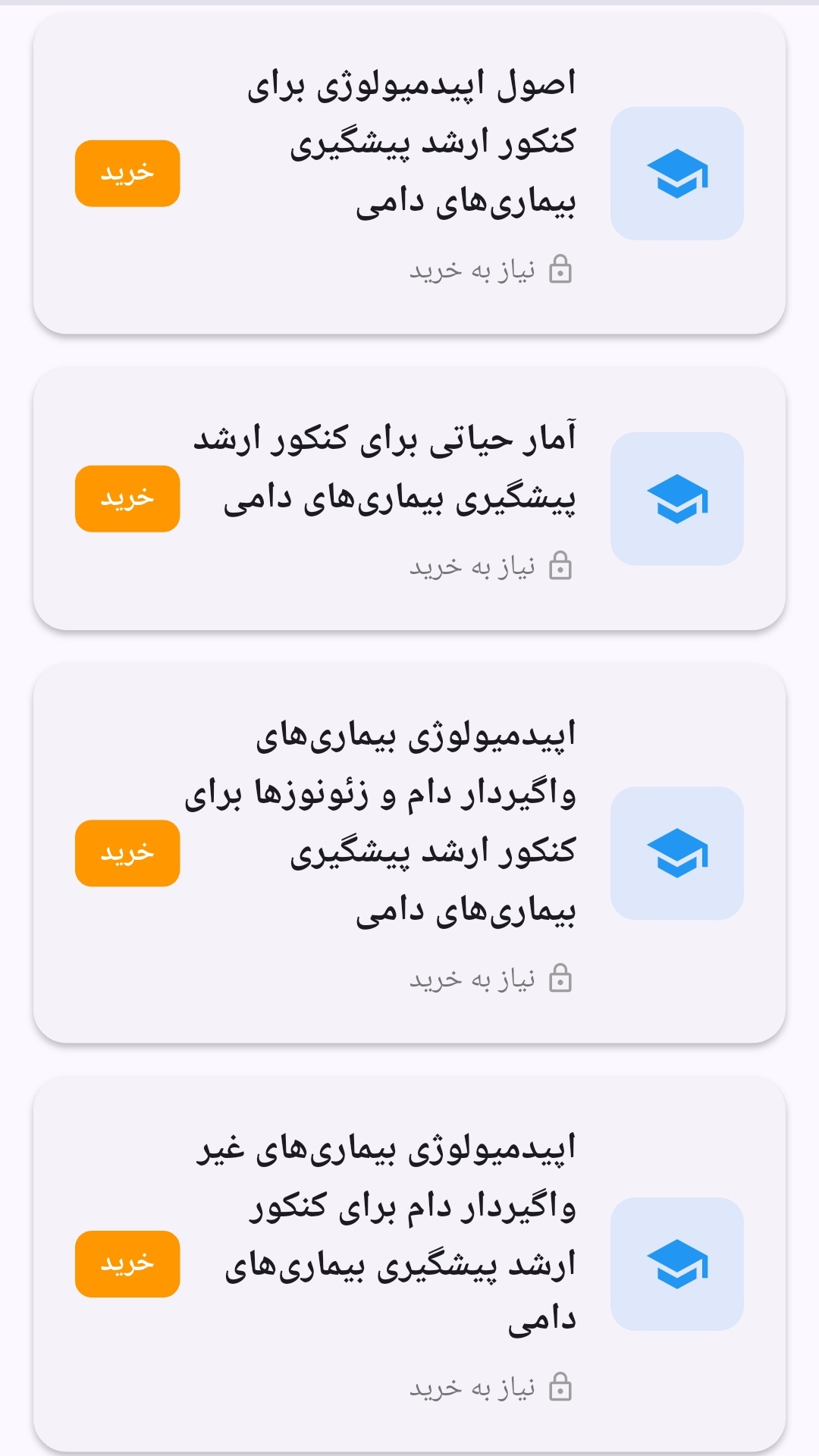
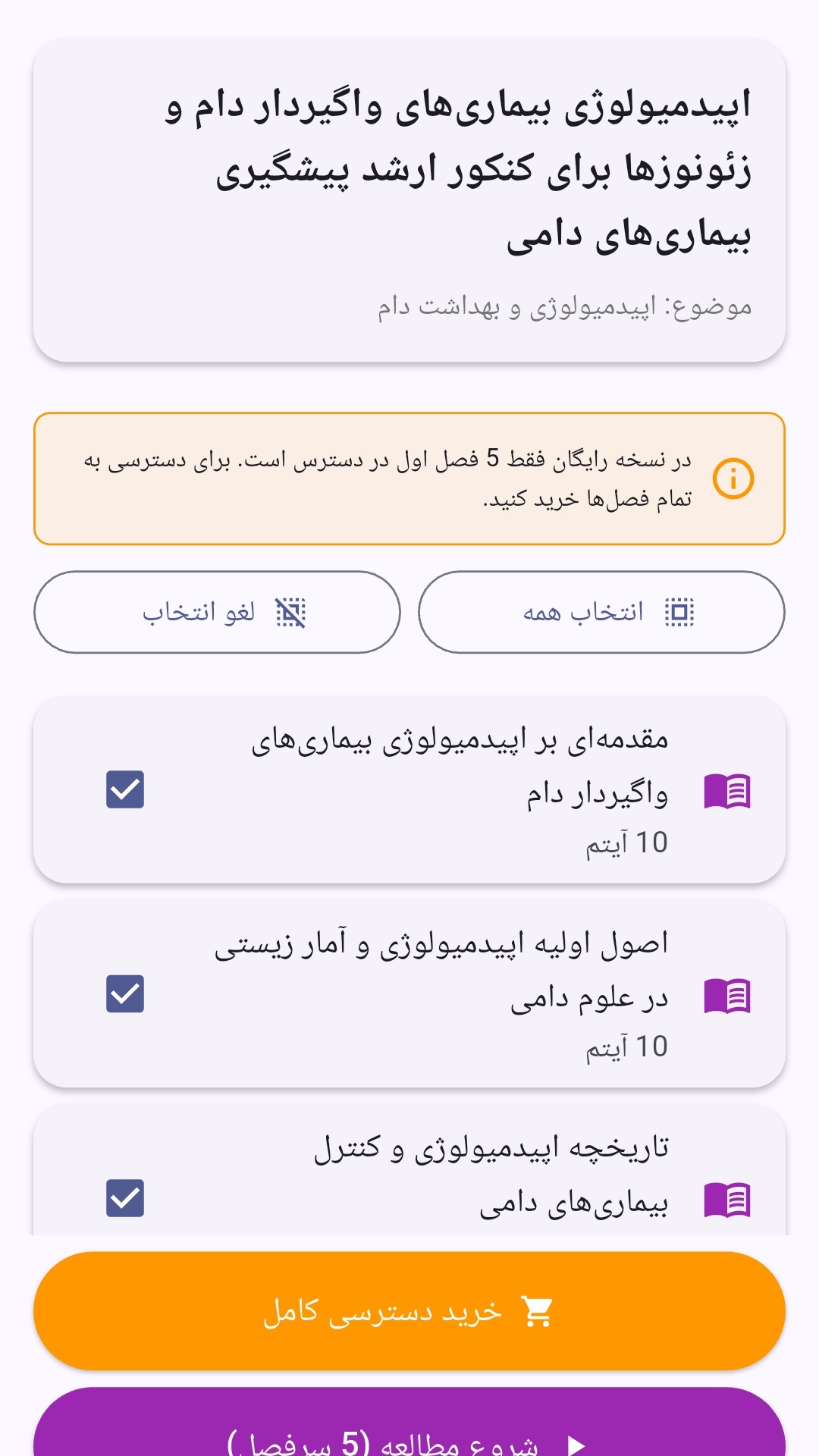
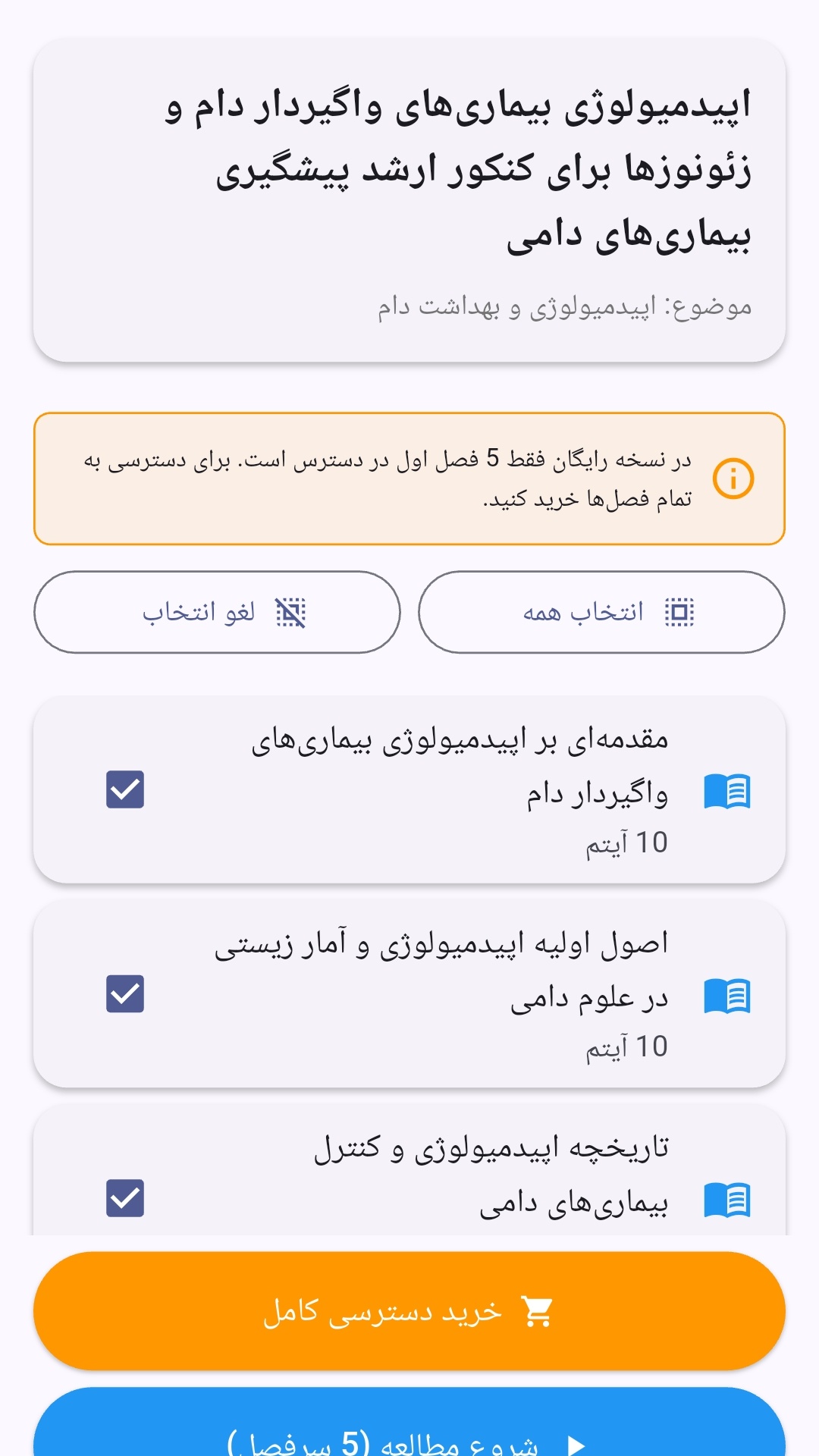
- صفحهبندی ساده برای انتخاب دوره و شروع مرور.
- نمایش تعداد دفعات مرور هر فصل.
- انتخاب چند فصل برای مرور همزمان.
- امکان تمرکز بر فصلهایی که هنوز مرور نشدهاند.
این اپلیکیشن برای دانشآموزان، دانشجویان، داوطلبان آزمونها و علاقهمندان به یادگیری طراحی شده است؛ بهویژه کسانی که میخواهند مطالب آموزشی را در زمانهای کوتاه مرور کنند، دانستههای خود را بسنجند و مطالعه منظمتری داشته باشند.
نظرات
هنوز نظری ثبت نشده است.
وارد شوید تا نظر ثبت کنید.