
اپلیکیشن اندرویدی فلشکارت آموزشی React Native and Keyboard Navigation
📚 کتاب آموزشی جامع
📚 اطلاعات کتاب
عنوان کتاب: کتاب React Native and Keyboard Navigation
موضوع کلی: برنامه نویسی
موضوع میانی: ریاکت نیتیو (React Native)
📋 سرفصلهای کتاب (100 موضوع)
- 1. مقدمهای بر توسعه اپلیکیشنهای موبایل
- 2. نصب و راهاندازی محیط توسعه React Native
- 3. مفهوم JSX
- 4. کامپوننتهای تابعی (Functional Components)
- 5. کامپوننتهای کلاسی (Class Components)
- 6. State در کامپوننتها
- 7. Props در کامپوننتها
- 8. مدیریت رویدادها (Event Handling)
- 9. رندر شرطی (Conditional Rendering)
- 10. لیستها و کلیدها (Lists and Keys)
- 11. فرمها و ورودیهای متنی
- 12. استایلدهی در React Native
- 13. StyleSheet API
- 14. Flexbox Layout
- 15. طراحی واکنشگرا (Responsive Design)
- 16. مفهوم Navigation در اپلیکیشنهای موبایل
- 17. معرفی React Navigation
- 18. نصب و پیکربندی React Navigation
- 19. Stacked Navigator
- 20. Drawer Navigator
- 21. Tab Navigator
- 22. Navigation Parameters
- 23. Navigation Options
- 24. Header Customization
- 25. Nested Navigation
- 26. Modal Navigation
- 27. Linking in React Navigation
- 28. Deep Linking
- 29. Navigation Lifecycle
- 30. Screen Props
- 31. Navigation Actions
- 32. History Management
- 33. Custom Navigation Components
- 34. Third-party Navigation Libraries
- 35. Introduction to Keyboard Handling
- 36. Why Keyboard Handling Matters
- 37. Challenges in Keyboard Handling
- 38. The `Keyboard` API
- 39. `Keyboard.dismiss()`
- 40. `Keyboard.addListener()`
- 41. `Keyboard.removeListener()`
- 42. Keyboard Events (keyboardDidShow, keyboardDidHide, keyboardWillShow, keyboardWillHide)
- 43. Understanding Keyboard Behavior
- 44. Software Keyboard vs. Hardware Keyboard
- 45. Keyboard Appearance and Dismissal
- 46. Auto-correct and Auto-capitalize
- 47. Input Accessory View
- 48. The `TextInput` Component
- 49. `onChangeText` Prop
- 50. `onSubmitEditing` Prop
- 51. `onFocus` Prop
- 52. `onBlur` Prop
- 53. `returnKeyType` Prop
- 54. `autoFocus` Prop
- 55. `editable` Prop
- 56. `multiline` Prop
- 57. `keyboardType` Prop
- 58. `secureTextEntry` Prop
- 59. Handling Keyboard When Input is Focused
- 60. Adjusting Layout for Keyboard
- 61. `KeyboardAvoidingView` Component
- 62. `behavior` Prop of `KeyboardAvoidingView`
- 63. `keyboardVerticalOffset` Prop of `KeyboardAvoidingView`
- 64. Handling Keyboard Dismissal
- 65. Custom Dismissal Logic
- 66. Using `onPress` for Dismissal
- 67. Integrating Keyboard Handling with Navigation
- 68. Keeping Input Visible During Navigation
- 69. Managing Keyboard State Across Screens
- 70. Advanced Keyboard Avoidance Techniques
- 71. Handling Multiple Inputs
- 72. Scrolling to Focused Input
- 73. Using `scrollTo` on a `ScrollView`
- 74. Custom Scroll Logic for Keyboard
- 75. Keyboard Issues on Different Devices and Platforms
- 76. Testing Keyboard Interactions
- 77. Debugging Keyboard Behavior
- 78. Performance Optimization for Keyboard Handling
- 79. Accessibility Considerations for Keyboard Navigation
- 80. Custom Keyboard Views
- 81. Working with Third-Party Keyboard Libraries
- 82. Platform-Specific Keyboard Behavior
- 83. Handling Keyboard Heights Dynamically
- 84. User Experience Best Practices for Keyboard Interaction
- 85. Building a Chat Application with React Native and Keyboard Navigation
- 86. Building a Form-Heavy Application with React Native and Keyboard Navigation
- 87. Advanced State Management for Complex Forms
- 88. Integrating with Backend Services for Form Submission
- 89. Error Handling in Forms and Inputs
- 90. Form Validation
- 91. Internationalization (i18n) and Localization (l10n) for Inputs
- 92. Security Considerations for User Input
- 93. Best Practices for Keyboard Navigation UX
- 94. Final Project: A Comprehensive React Native App with Advanced Keyboard Navigation
- 95. استایلدهی در React Native با استفاده از StyleSheet
- 96. افزودن ناوبری (Navigation) با استفاده از React Navigation
- 97. کار با APIهای بومی دستگاه (Native Device APIs)
- 98. آزمون و خطایابی (Testing and Debugging) در React Native
- 99. بهینهسازی عملکرد (Performance Optimization) در React Native
- 100. پیادهسازی انیمیشنها (Animations) و تعاملات کاربری
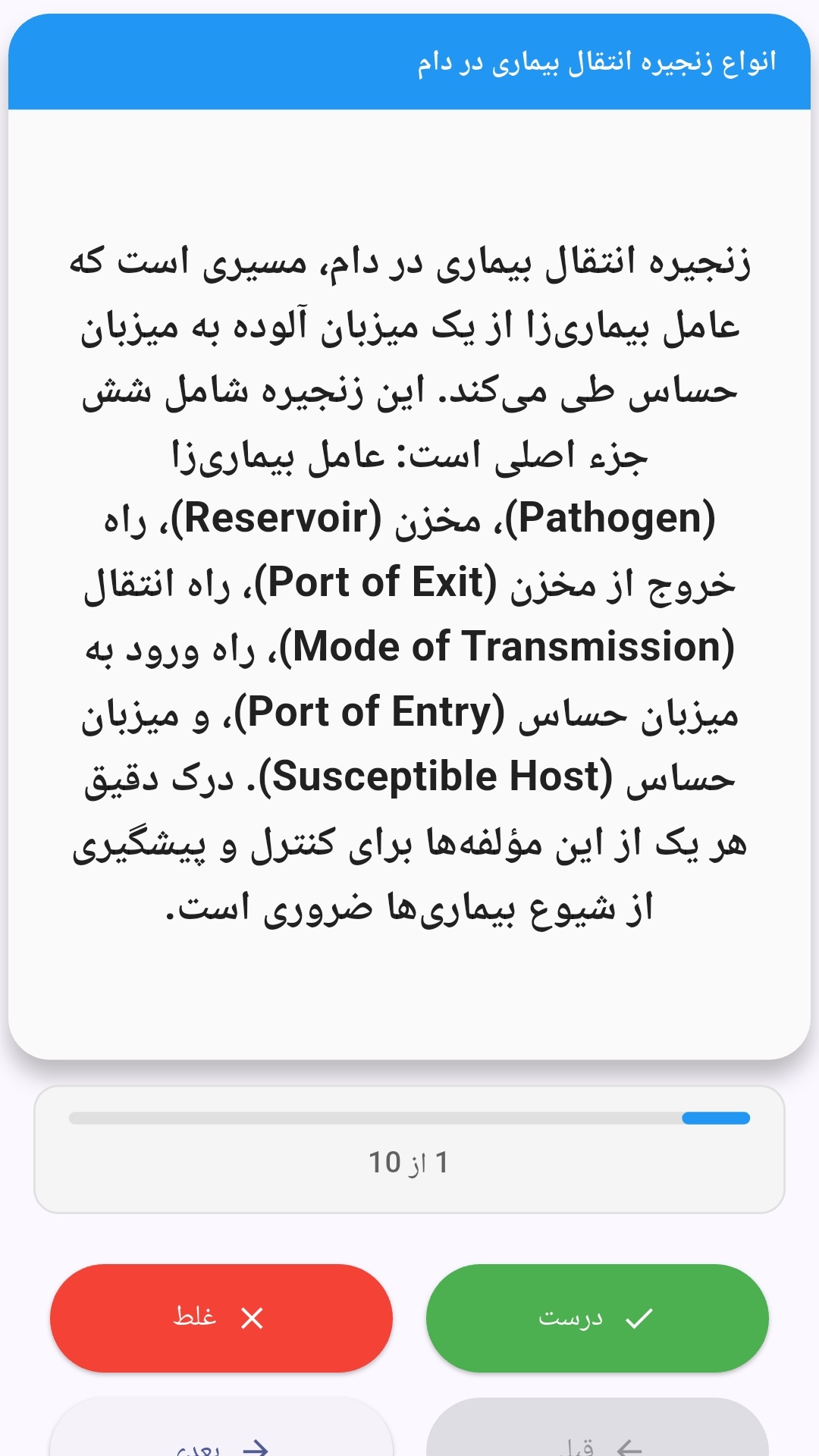
این اپلیکیشن فارسی برای یادگیری و مرور محتوای آموزشی از طریق فلشکارت طراحی شده است. کارتها را یکییکی مرور کنید، پاسخ پرسشها را به یاد بیاورید و نتیجه هر پاسخ را ثبت کنید. محتوای دوره پس از نصب درون برنامه در دسترس است تا برای مطالعه روزمره معمولاً به اتصال مداوم اینترنت نیاز نداشته باشید.
محتوای آموزشی در قالبهای متنوع ارائه میشود تا هم برای یادگیری مفاهیم جدید و هم برای تثبیت آموختهها قابل استفاده باشد.
- رابط کاربری فارسی و راستچین با فونت وزیر.
- تم روشن و تیره مطابق تنظیمات سیستم.
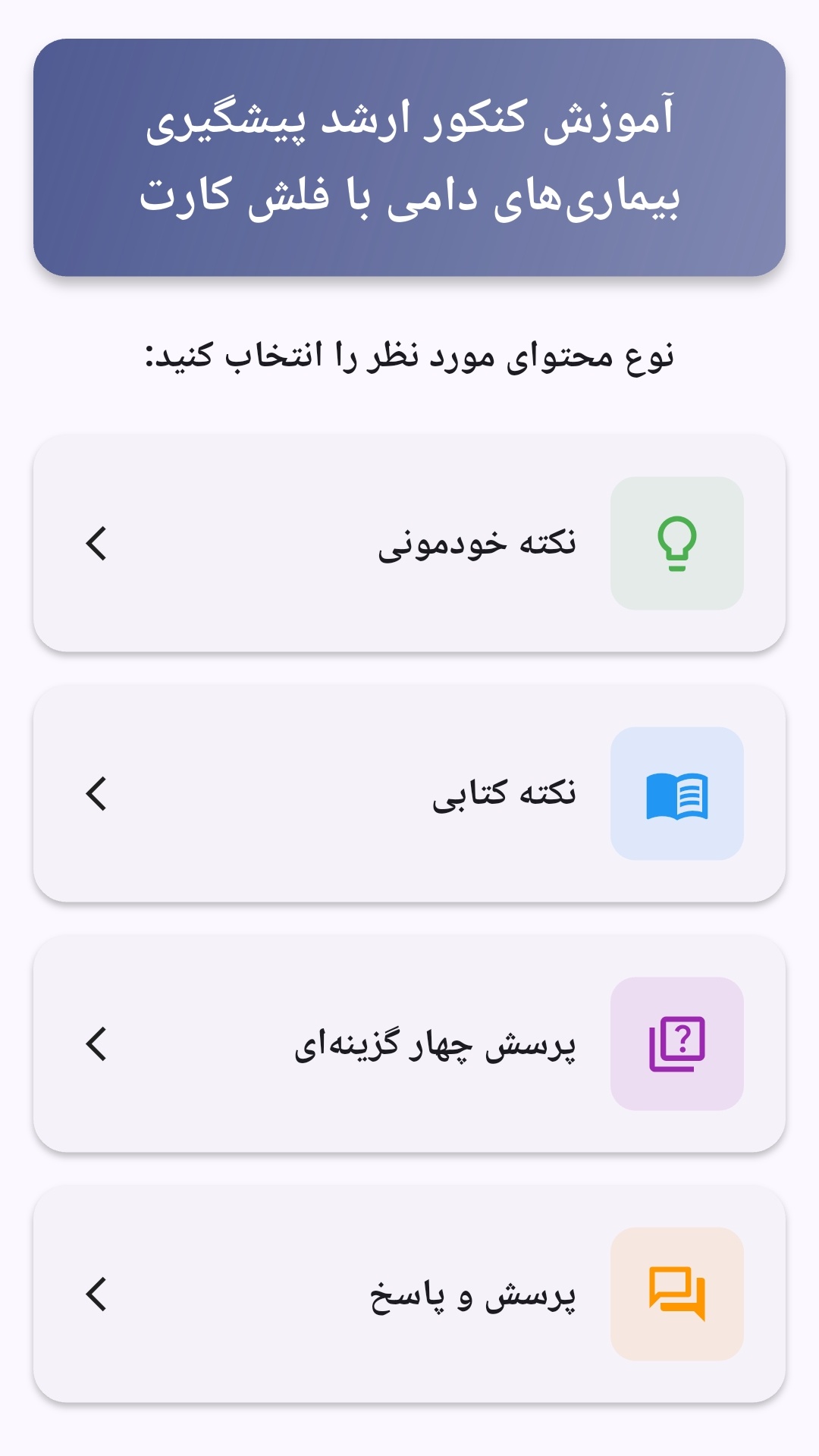
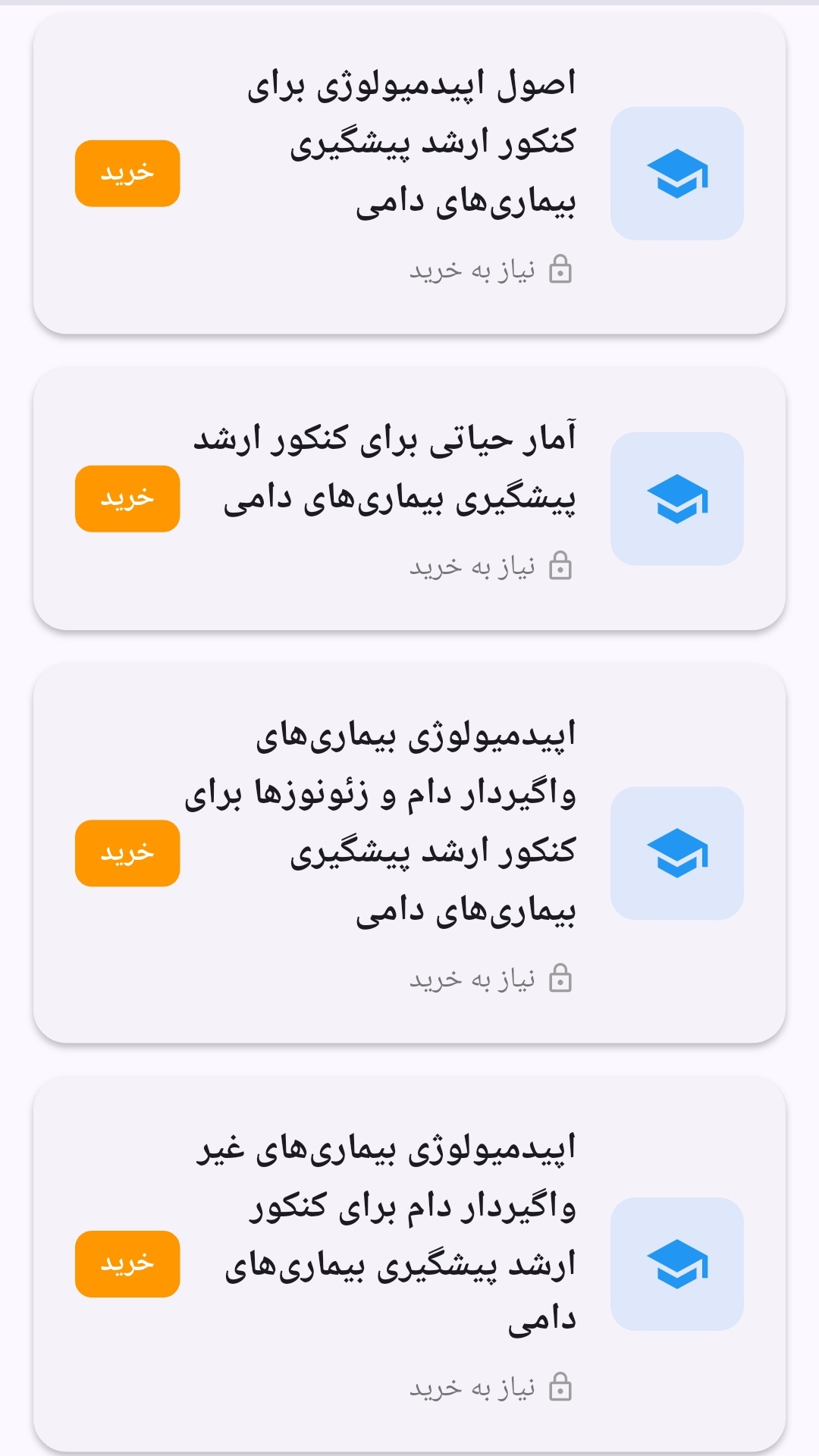
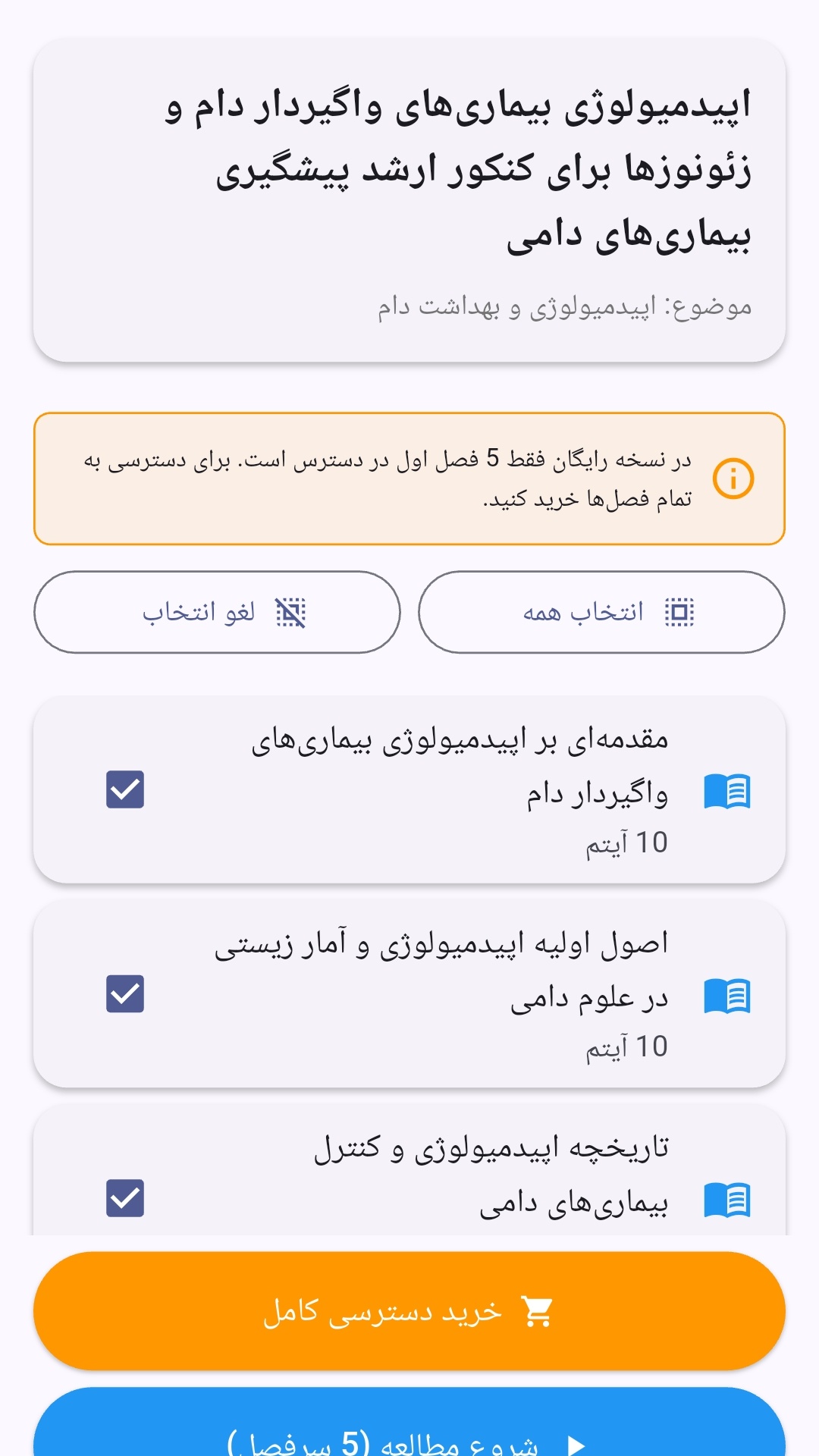
- صفحهبندی ساده برای انتخاب دوره و شروع مرور.
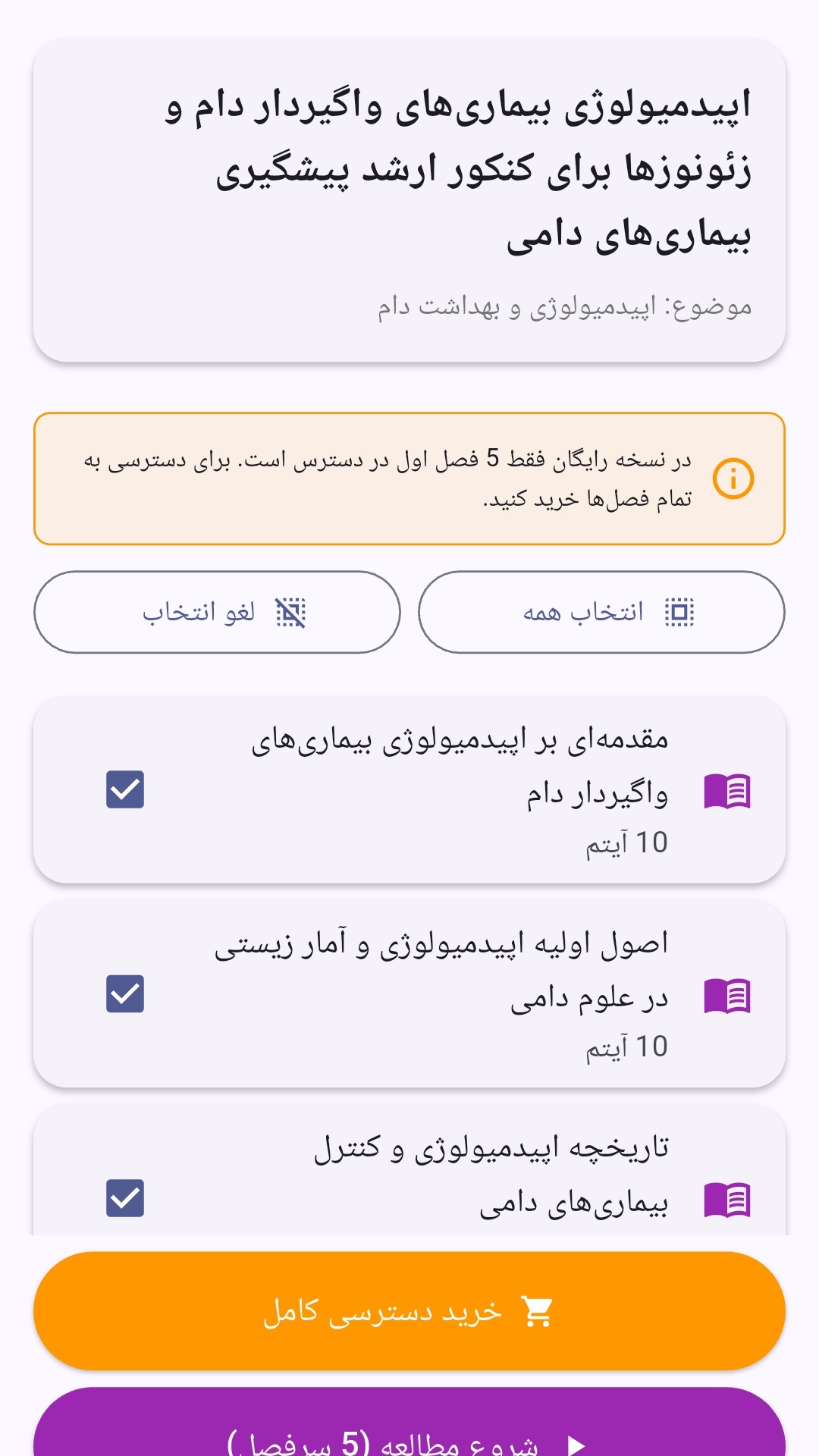
- نمایش تعداد دفعات مرور هر فصل.
- انتخاب چند فصل برای مرور همزمان.
- امکان تمرکز بر فصلهایی که هنوز مرور نشدهاند.
این اپلیکیشن برای دانشآموزان، دانشجویان، داوطلبان آزمونها و علاقهمندان به یادگیری طراحی شده است؛ بهویژه کسانی که میخواهند مطالب آموزشی را در زمانهای کوتاه مرور کنند، دانستههای خود را بسنجند و مطالعه منظمتری داشته باشند.
نظرات
هنوز نظری ثبت نشده است.
وارد شوید تا نظر ثبت کنید.