
اپلیکیشن اندرویدی فلشکارت آموزشی CSS for Illustration
📚 کتاب آموزشی جامع
📚 اطلاعات کتاب
عنوان کتاب: کتاب CSS for Illustration
موضوع کلی: برنامه نویسی
موضوع میانی: CSS
📋 سرفصلهای کتاب (100 موضوع)
- 1. What is CSS and its Role in Web Graphics
- 2. Linking CSS: Inline, Internal, External Styles
- 3. CSS Syntax, Rules, and Comments
- 4. Basic Selectors: Type, Class, ID
- 5. Descendant, Child, and Sibling Selectors
- 6. Attribute Selectors and Pseudo-classes
- 7. Specificity, Inheritance, and the Cascade
- 8. Understanding the CSS Box Model
- 9. Using Browser Developer Tools for CSS
- 10. Width, Height, Max/Min-Width/Height
- 11. Padding: Controlling Inner Space
- 12. Border: Styling Element Outlines
- 13. Margin: Controlling Outer Space
- 14. `box-sizing`: `content-box` vs `border-box`
- 15. Color Values: Keywords, Hex, RGB, RGBA
- 16. HSL, HSLA and their Application in Illustration
- 17. Background Color and Opacity
- 18. Background Images: Basic Usage
- 19. Background Size, Position, and Repeat
- 20. Multiple Backgrounds for Layering Effects
- 21. The `display` Property: Block, Inline, Inline-Block
- 22. `display: none` and `visibility`
- 23. `overflow` Property for Clipping Content
- 24. `position: static` and `relative`
- 25. `position: absolute` for Precise Placement
- 26. `position: fixed` and `sticky`
- 27. Understanding `z-index` for Layering
- 28. Floats for Text Wrap and Basic Layouts
- 29. Clearing Floats
- 30. Introduction to Flexbox for Flexible Layouts
- 31. Flex Container Properties: `flex-direction`, `flex-wrap`
- 32. Flex Container Properties: `justify-content`, `align-items`, `align-content`
- 33. Flex Item Properties: `flex`, `order`, `align-self`
- 34. Basic Geometric Shapes with `div`
- 35. Creating Circles and Ovals with `border-radius`
- 36. Complex `border-radius` for Irregular Shapes
- 37. Creating Triangles and Arrows with Borders
- 38. Introduction to Pseudo-elements (`::before`, `::after`)
- 39. Generating Content with Pseudo-elements
- 40. Using Pseudo-elements for Complex Single-Element Shapes
- 41. Layering Pseudo-elements for Intricate Designs
- 42. `transform` Property: `translate()` (Moving Elements)
- 43. `transform`: `rotate()` (Rotating Elements)
- 44. `transform`: `scale()` (Resizing Elements)
- 45. `transform`: `skew()` (Distorting Elements)
- 46. Combining Multiple `transform` Functions
- 47. `transform-origin` for Custom Rotation/Scaling Points
- 48. Introduction to 3D Transforms (`rotateX`, `rotateY`, `perspective`)
- 49. `clip-path` Property: `inset()` and `circle()`
- 50. `clip-path`: `ellipse()` and `polygon()`
- 51. Custom `clip-path` Shapes with SVG Paths
- 52. `shape-outside` for Text Wrapping around Shapes
- 53. `mask-image`: Using Images/Gradients as Masks
- 54. `mask-mode`, `mask-size`, `mask-position`
- 55. `object-fit` and `object-position` for Image Clipping
- 56. CSS Variables (Custom Properties) for Reusable Illustration Values
- 57. Applying CSS Variables for Theming Illustrations
- 58. `filter` Property: `blur()`, `brightness()`, `contrast()`
- 59. `filter`: `grayscale()`, `hue-rotate()`, `invert()`, `sepia()`
- 60. Linear Gradients: Creating Smooth Color Transitions
- 61. Radial Gradients: Spherical Color Spreads
- 62. Conic Gradients: Pie-Chart Like Fills
- 63. Repeating Gradients for Patterns
- 64. Layering Gradients and Background Images
- 65. `box-shadow`: Adding Depth and Highlights
- 66. Multiple `box-shadow` for Complex Effects
- 67. `text-shadow` for Stylized Text in Illustrations
- 68. `backdrop-filter`: Effects Behind Translucent Elements
- 69. `mix-blend-mode` for Layer Interaction Effects
- 70. Introduction to CSS Transitions
- 71. `transition-property`, `transition-duration`
- 72. `transition-timing-function` (Ease, Linear, Cubic-bezier)
- 73. `transition-delay` and Shorthand
- 74. Animating on Hover, Focus, and Active States
- 75. Introduction to CSS Keyframe Animations (`@keyframes`)
- 76. `animation-name`, `animation-duration`
- 77. `animation-timing-function`, `animation-delay`
- 78. `animation-iteration-count`, `animation-direction`
- 79. `animation-fill-mode`, `animation-play-state`
- 80. Animation Shorthand Property
- 81. Animating `transform` Properties for Movement
- 82. Animating Gradients and Shadows for Dynamic Illustrations
- 83. Animating `clip-path` for Shape Transitions
- 84. Performance Best Practices for CSS Animations
- 85. Viewport Units (`vw`, `vh`, `vmin`, `vmax`) for Scalability
- 86. `rem` and `em` for Relative Sizing in Illustrations
- 87. Media Queries for Adapting Illustrations to Screen Sizes
- 88. Responsive Grids and Layouts for Illustrative Content
- 89. Art Direction with `picture` and `srcset` for Illustration Assets
- 90. Creating Simple CSS Icons (Example Project)
- 91. Building a CSS Character Face (Example Project)
- 92. Constructing a Small CSS Scene (Example Project)
- 93. Interactive Elements with CSS (Hover/Click Animations)
- 94. Using SVG as a Base for CSS Styling
- 95. Embedding and Styling SVG Assets
- 96. Advanced `clip-path` and `mask` Combinations
- 97. Simulating Depth with Layered CSS Elements
- 98. Optimizing CSS for Illustration Performance
- 99. Browser Compatibility and Fallbacks for Advanced CSS
- 100. Future Trends and Resources for CSS Illustration
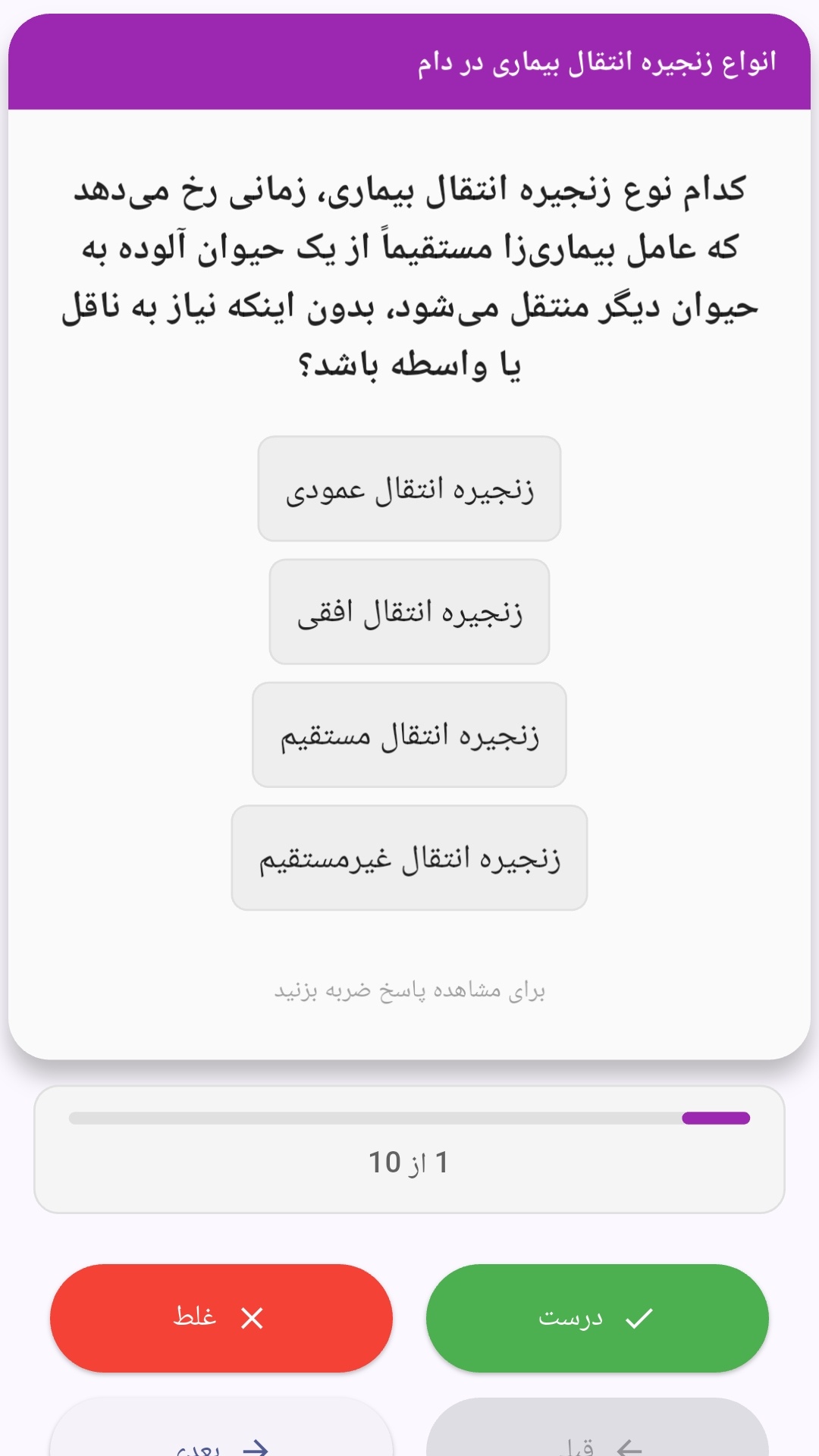
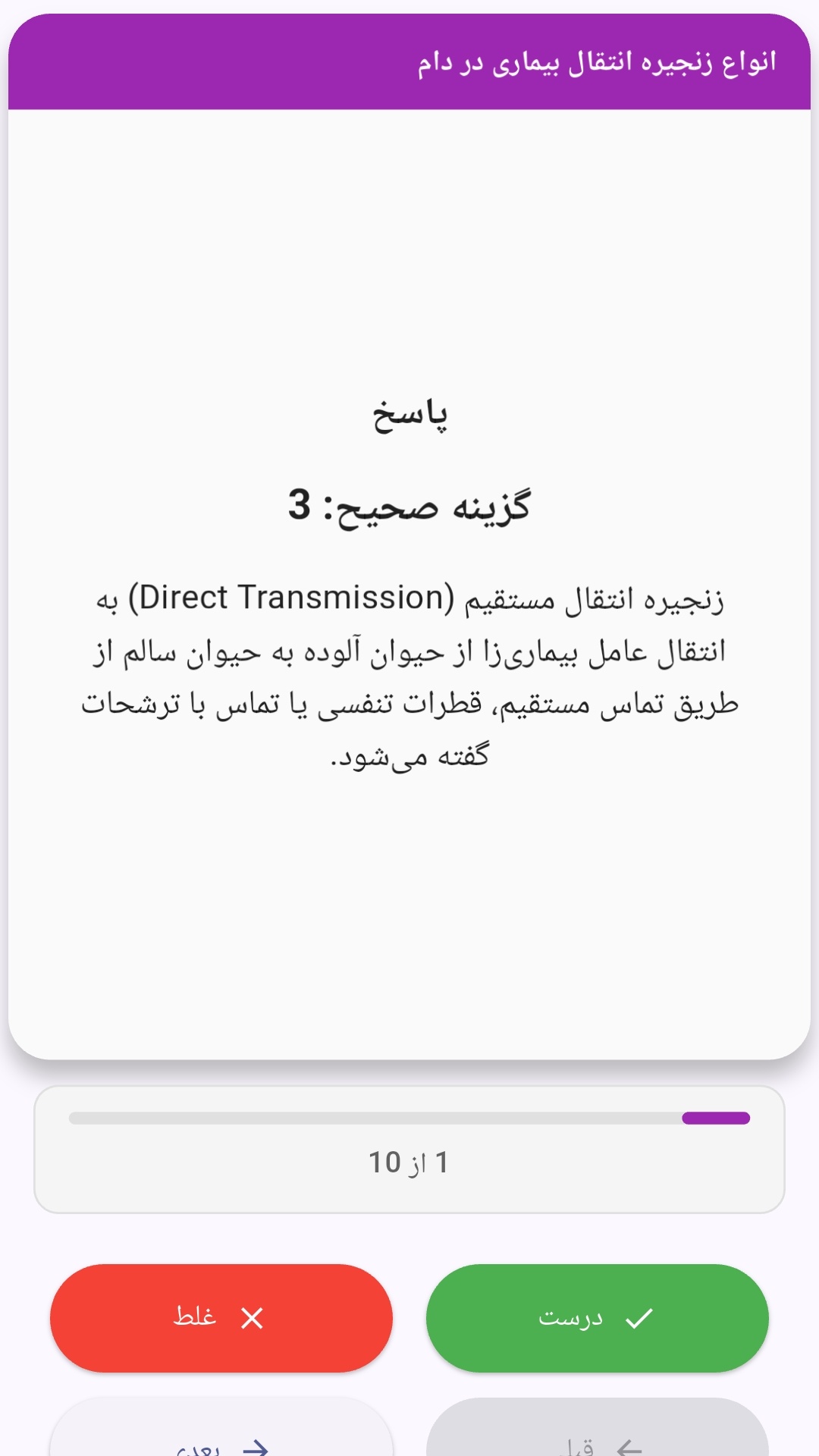
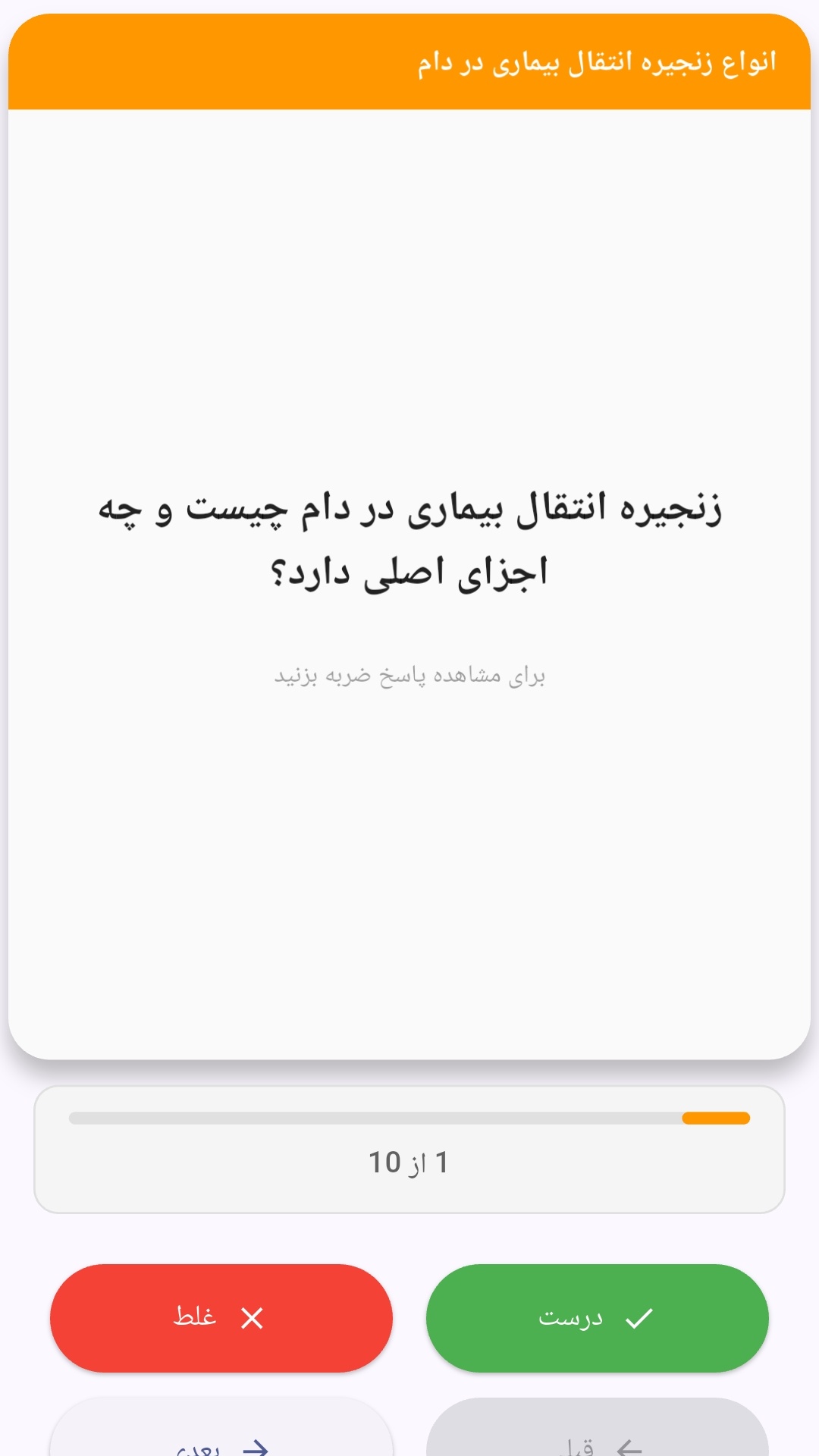
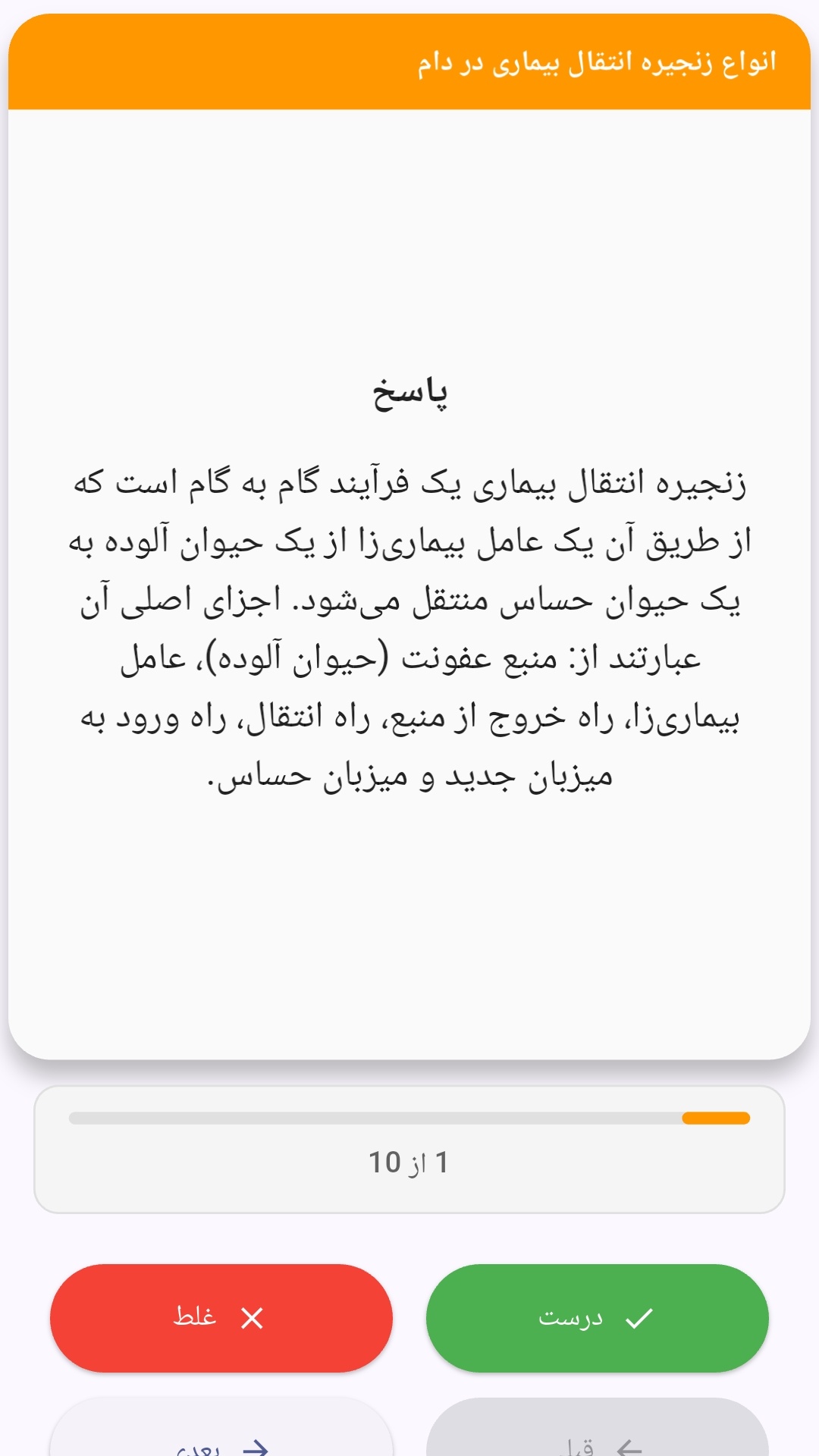
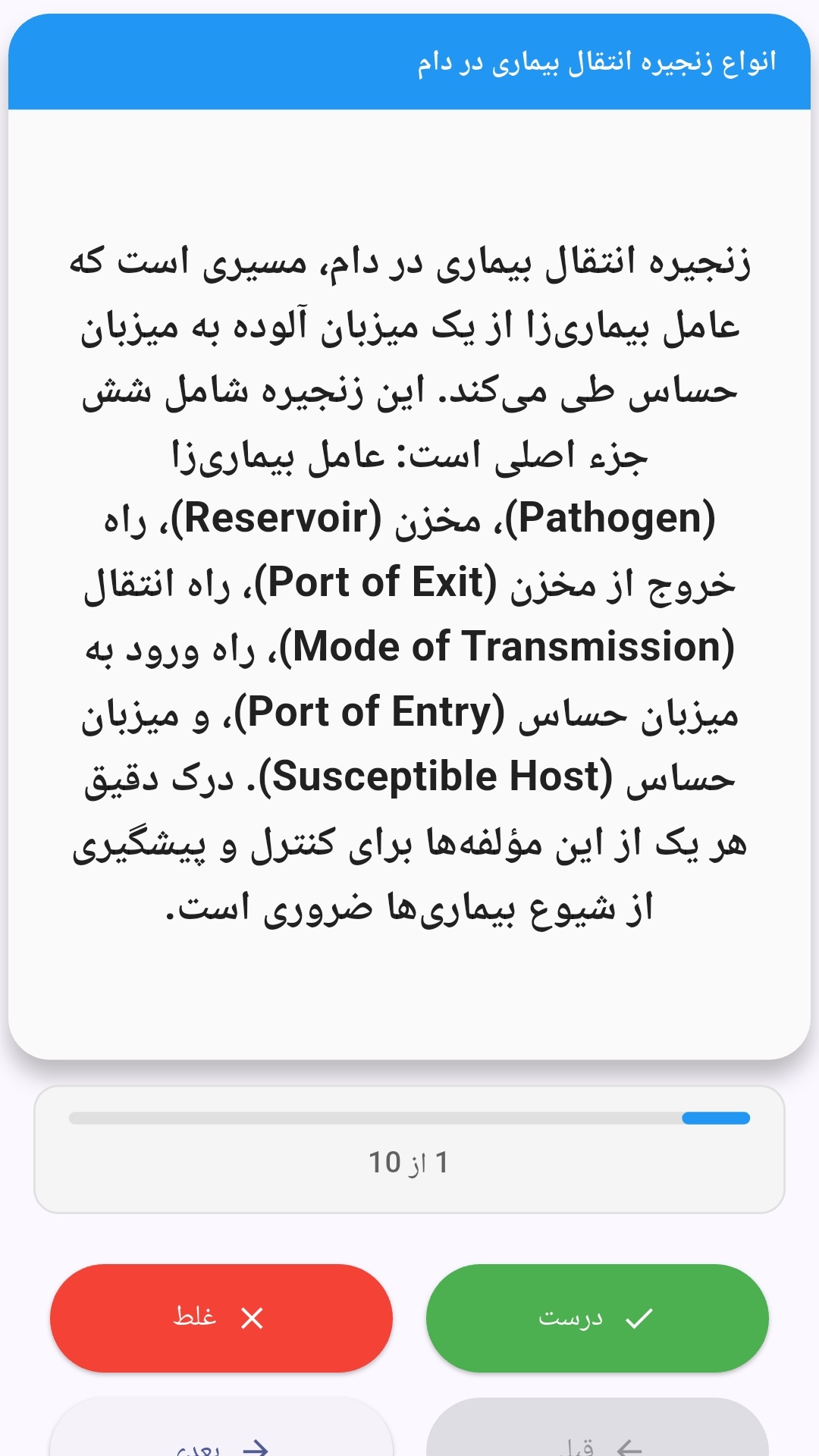
این اپلیکیشن فارسی برای یادگیری و مرور محتوای آموزشی از طریق فلشکارت طراحی شده است. کارتها را یکییکی مرور کنید، پاسخ پرسشها را به یاد بیاورید و نتیجه هر پاسخ را ثبت کنید. محتوای دوره پس از نصب درون برنامه در دسترس است تا برای مطالعه روزمره معمولاً به اتصال مداوم اینترنت نیاز نداشته باشید.
محتوای آموزشی در قالبهای متنوع ارائه میشود تا هم برای یادگیری مفاهیم جدید و هم برای تثبیت آموختهها قابل استفاده باشد.
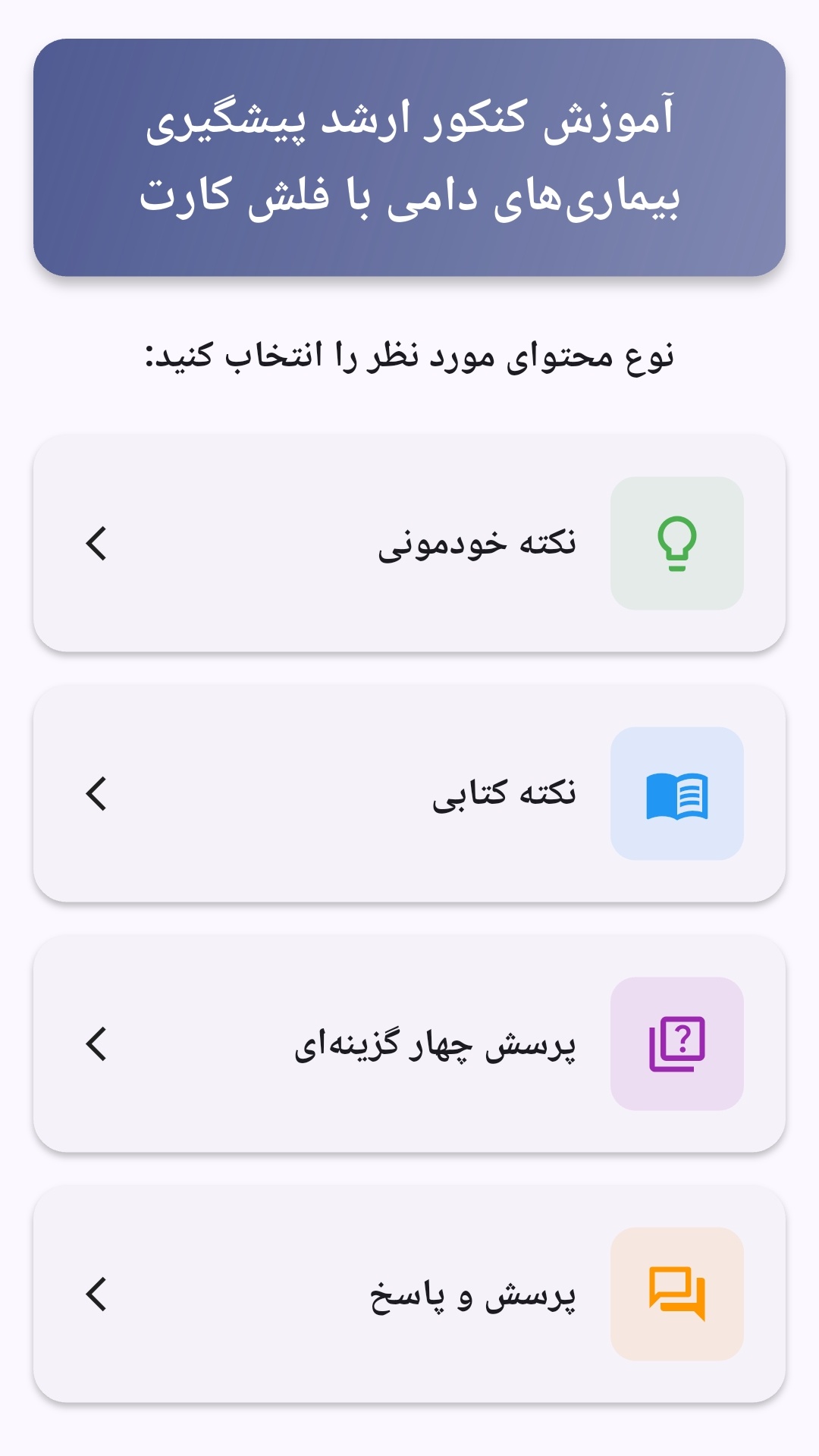
- رابط کاربری فارسی و راستچین با فونت وزیر.
- تم روشن و تیره مطابق تنظیمات سیستم.
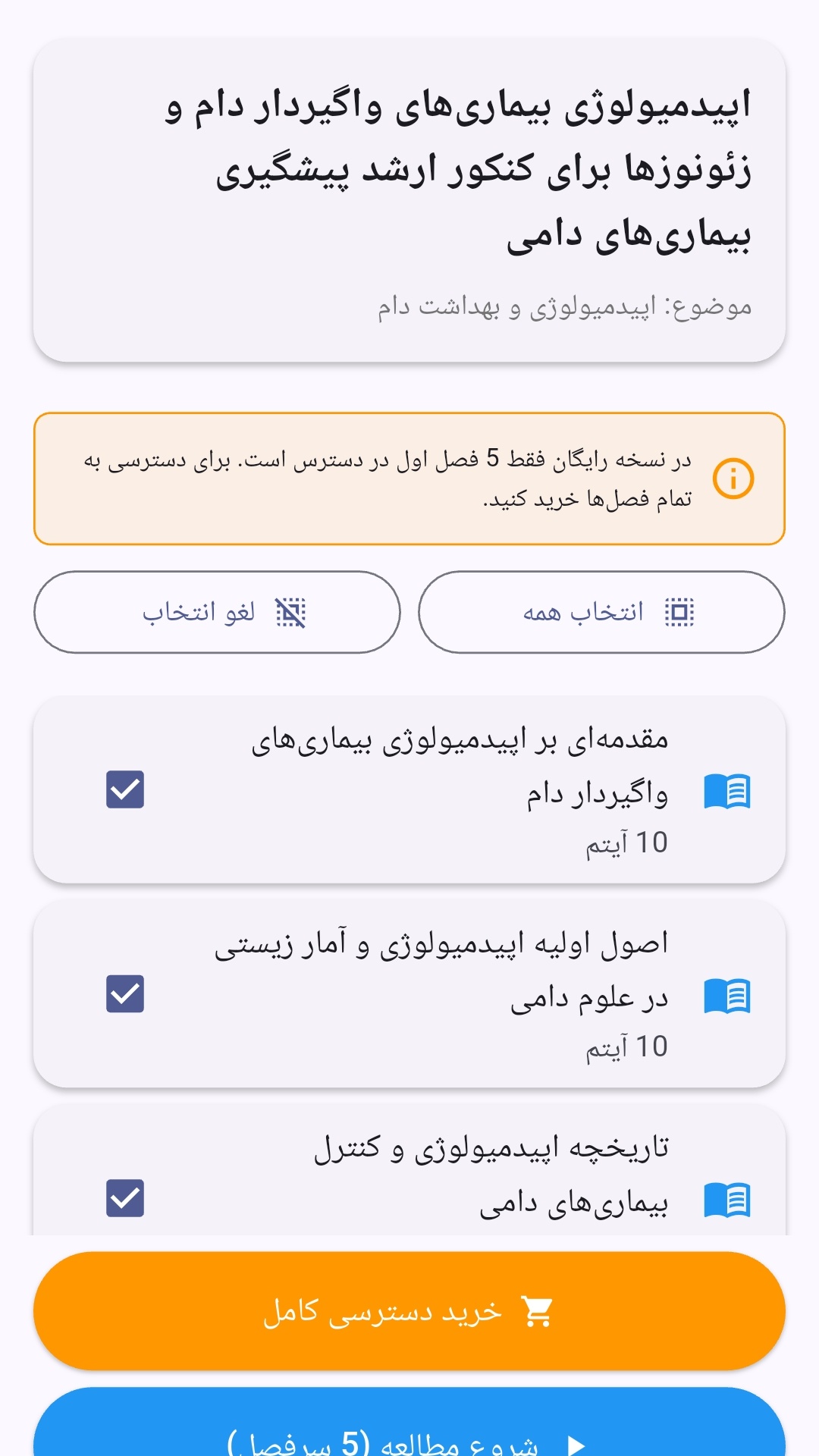
- صفحهبندی ساده برای انتخاب دوره و شروع مرور.
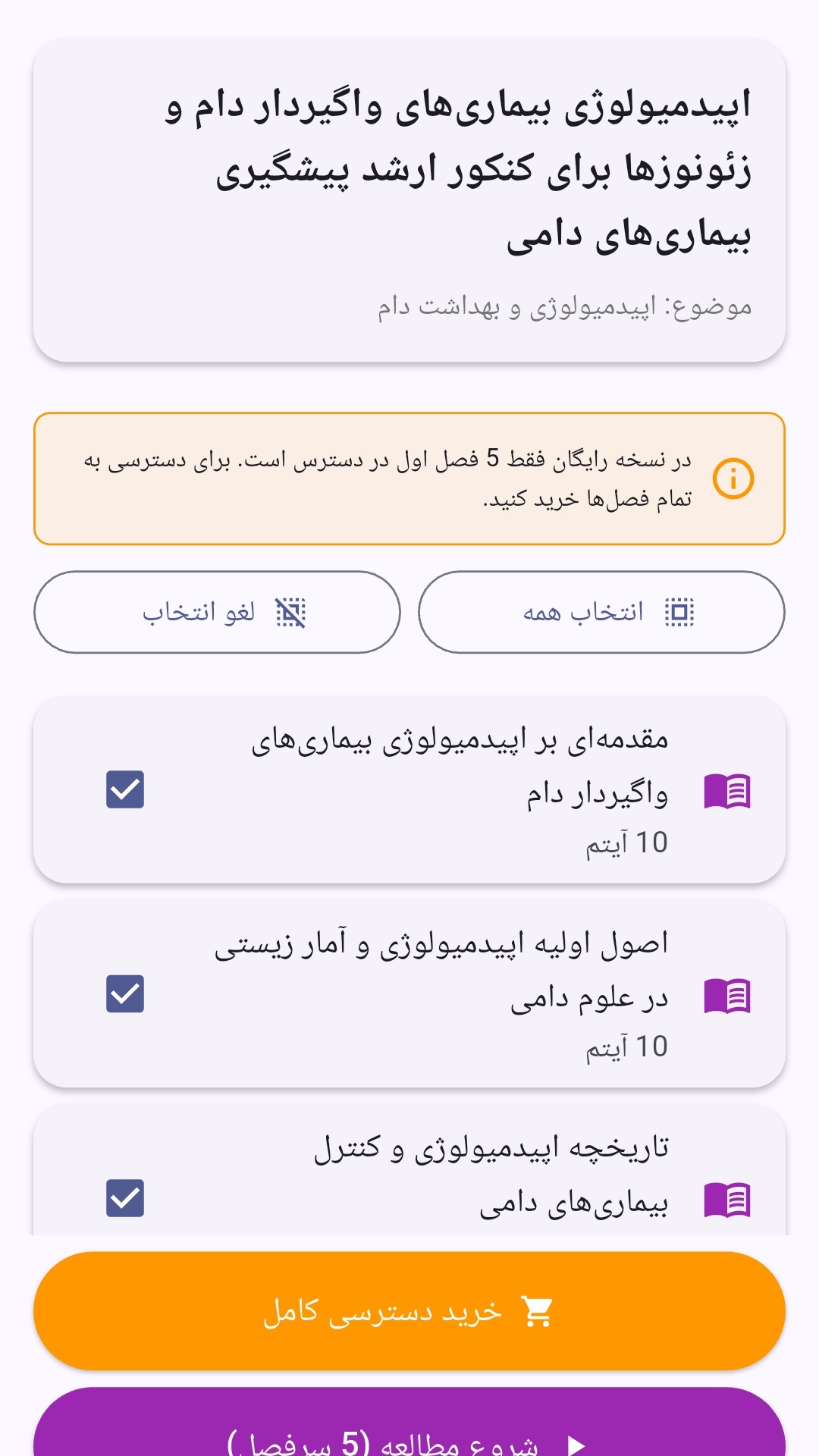
- نمایش تعداد دفعات مرور هر فصل.
- انتخاب چند فصل برای مرور همزمان.
- امکان تمرکز بر فصلهایی که هنوز مرور نشدهاند.
این اپلیکیشن برای دانشآموزان، دانشجویان، داوطلبان آزمونها و علاقهمندان به یادگیری طراحی شده است؛ بهویژه کسانی که میخواهند مطالب آموزشی را در زمانهای کوتاه مرور کنند، دانستههای خود را بسنجند و مطالعه منظمتری داشته باشند.

نظرات
هنوز نظری ثبت نشده است.
وارد شوید تا نظر ثبت کنید.